

Agents Overview
Agents are the core of Neural Factory. Each agent is a configured AI assistant with a specific purpose, knowledge, and set of tools — a specialized coworker for a particular domain.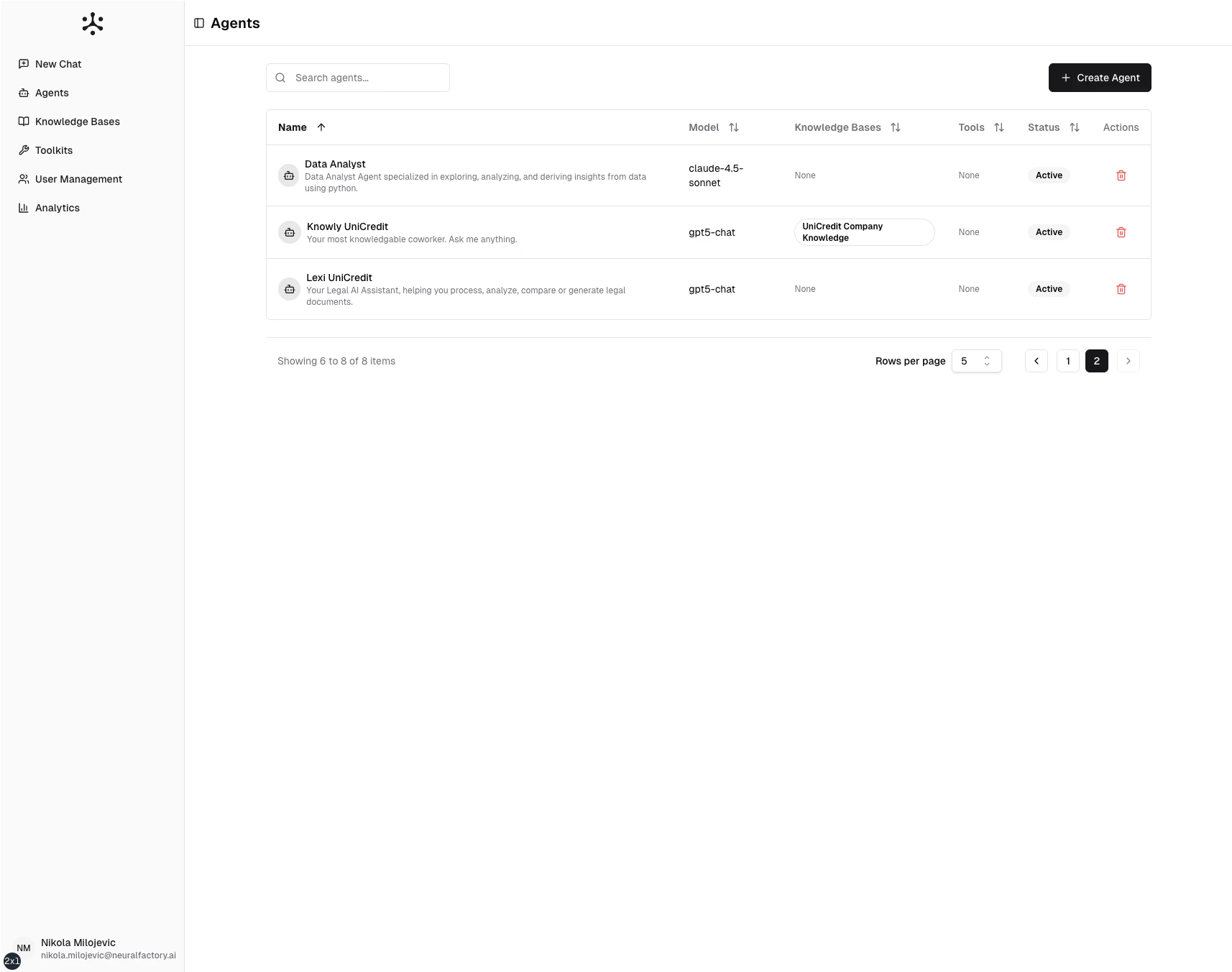
The Agents page — view, create, and manage all agents in your organization.
What defines an agent
Every agent is configured with:- Name and description — Identifies the agent to users
- System prompt — Instructions that define behavior, tone, and expertise
- AI model — The underlying language model (GPT-4o, GPT-4.1, Claude, etc.)
- Knowledge bases — Document collections the agent can search
- Tools — Capabilities like web search, code execution, or external integrations
- Access control — Which users or groups can interact with the agent
How agents work
When a user sends a message, the agent:- Reads the context — Previous messages, system prompt, and any attached files
- Reasons about the task — Determines what information or actions are needed
- Uses tools if needed — Searches knowledge bases, executes code, calls APIs
- Generates a response — Produces an answer with citations from retrieved sources
How a turn runs
Each turn executes as an agent task on the platform’s servers rather than inside the user’s browser session. That gives every agent the same set of behaviors, whatever it is configured to do:- It survives disconnection. Closing the tab or losing the network doesn’t cancel the task or lose the answer; reopening the conversation reattaches to it.
- It can pause for a human. An agent can stop mid-task to ask a question, request approval or hand you its browser to sign in, then continue from exactly where it paused — for up to 72 hours, using no compute while it waits.
- It can be stopped. Users can cancel a running task; the agent finishes its current step and stops.
- It is bounded. A task is capped on active running time (about an hour) and on total tokens, so a misbehaving loop stops and reports rather than running forever.
- It is billed once, for what it actually consumed — including tasks that were stopped or failed partway.
Agent types
Learn more in Agent Types and Multi-Agent Workflows.